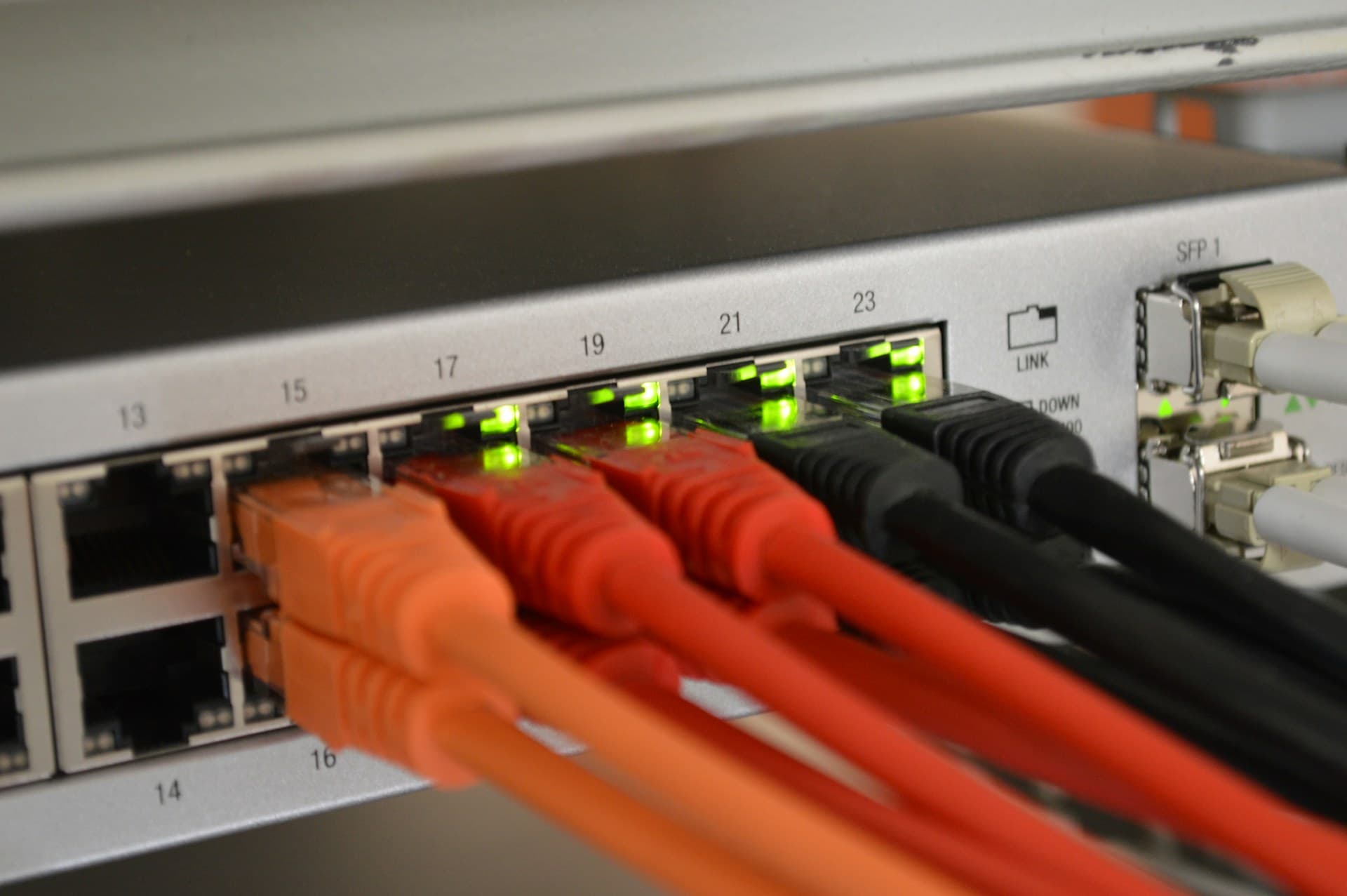
Network cabling and WiFi are the two ways to get devices onto your office network, and small business owners in Geelong ask us all the time which one they should pick. The honest answer is not one or the other - it is both, in the right places. Cabling and WiFi do different jobs, and a network that leans too hard on either one tends to be slow, fragile, or expensive in surprising ways.
This guide compares wired and wireless networking for a small office: speed, reliability, security, cost and flexibility. We work on networks across Geelong, the Bellarine and the Surf Coast, and the same patterns show up in almost every site. By the end you will know what to cable, what to leave on WiFi, and why the "cable the backbone, wireless the people" approach gives you the fewest headaches.
The trade-offs at a glance
Cabling gives you a fast, predictable, secure connection that does not care about walls or neighbours, but it costs money up front and it does not move. WiFi is flexible and cheap to deploy, works for any device a person carries, but it is subject to interference, congestion and the physical layout of your building. Neither wins outright. The skill is matching each one to the devices and the space you actually have.
Speed and latency
On a spec sheet, WiFi 6 and 6E look faster than gigabit ethernet. In a real Geelong office they almost never are. A Cat6 cable gives you a clean gigabit both ways, all day, every day. Cat6A will give you 10 gigabit if your switch and devices support it. WiFi 6 can hit gigabit speeds in a lab, but in a building with plaster walls, a fridge in the kitchen and three neighbouring businesses on the same channels, real-world throughput lands closer to 200 to 500 Mbps - and it moves around as conditions change.
The bigger gap is latency. A wired connection typically sits at 1 to 3 milliseconds to your switch and stays there. WiFi latency bounces between 5 and 50 milliseconds depending on how busy the air is. For browsing and email you will not notice. For VoIP phone calls, video meetings and remote desktop sessions, that jitter is the difference between a clean call and one where people keep asking you to repeat yourself. Wired wins on consistency, which matters more than peak speed for most office work.
Reliability and interference
A cable is deterministic. The same packet goes down the same copper every time, and nothing your neighbour does changes that. WiFi shares a chunk of radio spectrum with every other wireless network and device nearby. Walls, glass, metal ducting, the microwave in the kitchen, a Bluetooth speaker, the dental practice next door - all of it eats into your signal.
The 2.4 GHz band in particular is crowded in most Geelong commercial strips. You can have half a dozen networks fighting over the same three non-overlapping channels. 5 GHz and 6 GHz help, but they do not penetrate walls as well, so you end up needing more access points to cover the same floor area. If you are constantly restarting your router or your video calls drop when someone walks past a certain spot, interference is almost certainly the culprit. We walk through the common causes in our guide to fixing a slow network connection.
Cabling sidesteps all of this. Once a run is certified, it just works, and it keeps working for years without anyone thinking about it.
Security
A network cable is a physical thing plugged into a physical port. To tap it, an attacker has to get into your building and into your cabling. WiFi is a radio signal that passes through your walls. That does not mean WiFi is unsafe - it means it has to be secured deliberately.
A business WiFi network should be running WPA3 (or WPA2 at minimum) with a strong, long pre-shared key, or enterprise authentication with per-user credentials if your team is big enough to justify it. Guest WiFi must be isolated from your main network so visitors can reach the internet without touching your servers or printers. We see a lot of small offices still running WPA2 with a short shared password, or worse, the same network for staff and guests. Cabling is harder to casually attack, but good WiFi configuration closes most of the gap.
Cost and flexibility
Cabling is upfront capital expense. You pay for the cable, the patch panel, the wall plates, the labour to run and terminate it, and certification. In a Geelong small office that typically works out to a few hundred dollars per run. WiFi is cheaper to deploy - a single access point can cover a small floor - and it is trivial to move when you reconfigure the office or move premises.
The catch is total cost over time. Good cabling lasts 15 to 20 years and outlives several generations of switches and access points. WiFi access points get replaced every five to seven years as standards move on. If you have to keep adding access points and repeaters to patch over a poorly cabled building, the "cheap" wireless approach gets expensive fast. The reverse is also true - cabling every laptop and tablet would be wasteful. The aim is cabling where it earns its keep, WiFi where flexibility matters.
What should be cabled
As a rule, anything that stays put and moves a lot of data, or anything that needs rock-solid latency, should have a cable. In a typical Geelong office that means:
- Desktop PCs and workstations. No reason to use WiFi for a machine that never moves.
- VoIP phones. Most business handsets have a pass-through port so a PC and phone share one cable run. Voice quality depends on a stable connection.
- Network printers and multifunction devices. They sit still, they move big files, and everyone hits them at once.
- Servers and NAS drives. Backups and file access want every megabit and millisecond you can give them.
- WiFi access points themselves. This is the one people forget. Access points should be cabled back to the switch, not wirelessly meshed, for speed and reliability.
- Security cameras. Most business IP cameras support PoE, so a single cable carries both data and power.
When WiFi wins
WiFi is the right call for anything a person carries around. Laptops, tablets and phones are obvious, but the same logic applies to hot-desking setups, meeting rooms with a screen people cast to, and staff who move between desks or workshop and front office. Heritage buildings where running new cabling is genuinely difficult, or leased spaces where you cannot put holes in walls, also push you towards wireless - at least for the movable devices.
The mistake is treating WiFi as a substitute for cabling rather than a complement to it. WiFi is at its best when it is carrying a manageable number of mobile devices over a well-cabled backbone, not when it is propping up an entire office that should have been wired.
The approach that actually works: cable the backbone
The networks we build for Geelong businesses all follow the same shape: cable a solid backbone, then add business-grade WiFi access points on top for mobility. The backbone means a patch panel in a comms cabinet, a proper switch, cable runs to every fixed device, and - critically - cable runs to where your access points will live, spread out so coverage overlaps cleanly. The access points then handle the laptops, tablets and phones.
This gives you the speed and reliability of cabling where it matters and the flexibility of WiFi where it matters. It also keeps the airwaves uncongested, because the heavy traffic - backups, file servers, cameras - is on copper instead of fighting your laptops for spectrum.
One thing we always push back on is consumer mesh kits in an office. They are built for a house, not a business. They lack proper controller-driven handoff, their security and reporting is limited, and adding more nodes to fix coverage usually makes the underlying congestion worse. A small office is better served by one or two business-grade access points with a controller. If you are weighing up wireless options, our guide to choosing a WiFi system for your business goes into the detail.
Getting help
If your office network is unreliable, slow in the afternoons, or you are fitting out a new space and want it done right the first time, we can help. Our network installation and upgrade service covers the lot: cabling, switching, access points, configuration and certification. We work across Geelong, the Bellarine and the Surf Coast.
Get in touch and we will walk your space, look at your devices and your growth plans, and tell you straight where to cable and where WiFi makes sense.