Microsoft Copilot is the AI assistant built straight into Microsoft 365. For a small Geelong team it typically saves around 11 hours per person per week - roughly a quarter of a working week handed back. This guide covers what Copilot actually does, what it costs in 2026, where the time savings come from, and how to roll it out without creating a mess in your tenant.
We deploy Copilot for businesses across Geelong, the Bellarine, and the Surf Coast. The pattern is the same everywhere: the teams that get a proper rollout recover hours fast, and the ones that switch it on cold tend to underuse it or create data-sharing problems. The difference is almost always in the setup.
What is Microsoft Copilot?
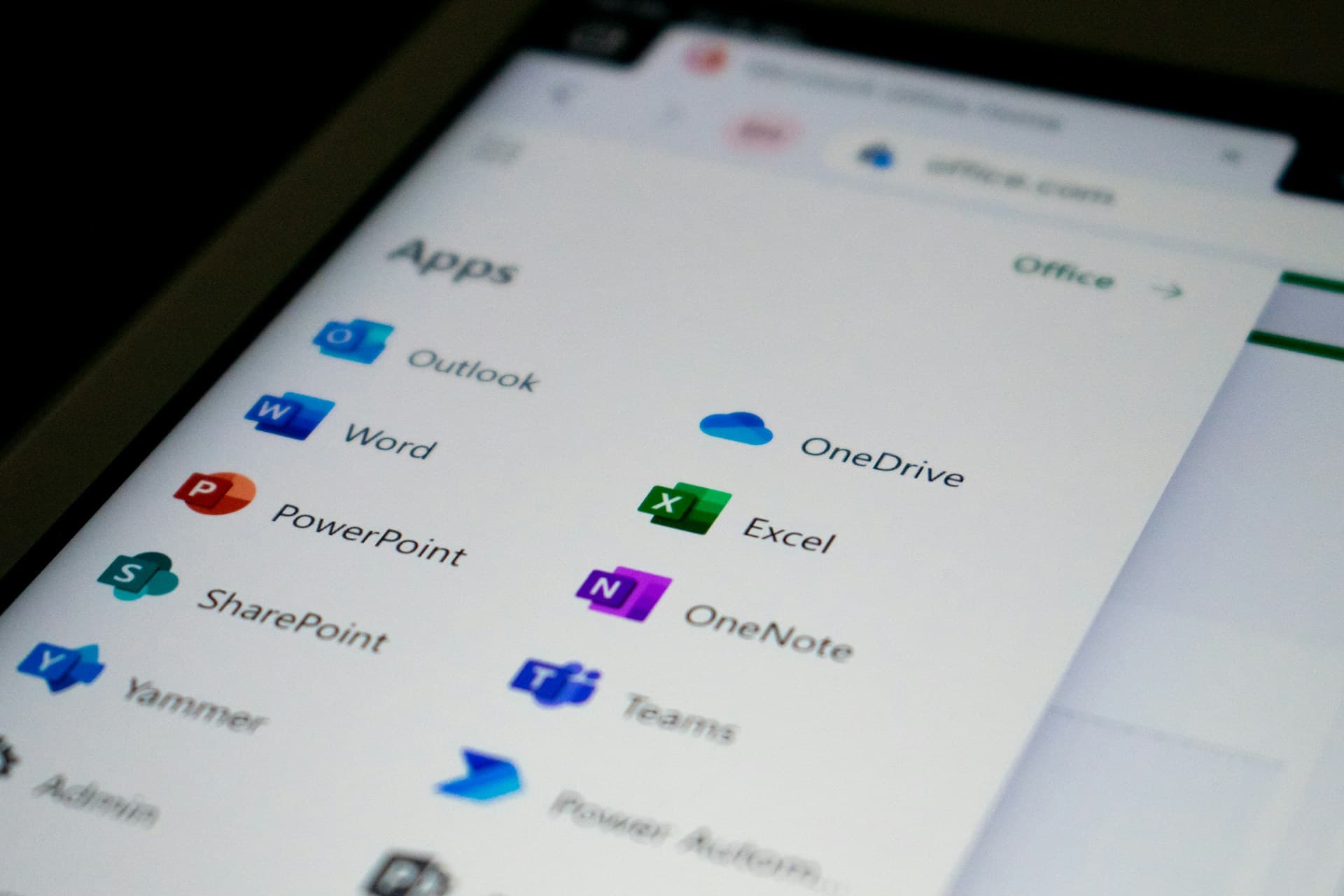
Microsoft 365 Copilot is a large-language-model assistant that runs inside the apps you already pay for - Outlook, Word, Excel, PowerPoint, Teams, and OneNote. Instead of copying content into a separate chat window, you ask Copilot questions in the document you are already working in, and it draws on your own files, emails, and meetings to answer.
The key thing that separates Copilot from a tool like ChatGPT is context. It can read your inbox, your SharePoint files, and your Teams chats (within the permissions you already have) and use that as the source of its answers. That is why it saves real time rather than just being a novelty.
How much time does Copilot actually save?
The numbers vary by role, but the pattern is consistent. Microsoft's own 2024 Work Trend Index found heavy users recovered about 14 hours a month, with some saving up to a full day a week. In our client rollouts across Geelong we see:
- 2-4 hours per week for staff who mostly use Outlook and Word.
- 6-10 hours per week for knowledge workers who live in Teams, Excel, and long documents.
- 10+ hours per week for managers and professional services staff who run a lot of meetings and write a lot of follow-ups.
For a 10-person team, even the conservative end of that range is 20-40 hours a week - the equivalent of half a full-time role, without hiring anyone.
Where the time savings actually come from
Copilot is not magic. It works because most office work is repetitive, and it is good at the repetitive bits. Here is where we see the biggest wins.
Outlook: inbox triage and email drafting
Copilot can summarise a 20-message thread into a few bullet points, draft a reply in your tone, and flag which emails need a response today. For anyone who spends more than an hour a day in email, this alone usually pays for the licence.
Teams: meetings that write themselves
Copilot in Teams generates a meeting transcript, a summary, and a list of action items with owners. People stop taking notes and start paying attention. If you miss a meeting, you can ask Copilot "what was decided about the quote?" and get an answer grounded in the transcript instead of rewatching an hour of video.
Word: first drafts in minutes
Give Copilot a few dot points and a reference document and it will produce a solid first draft of a proposal, policy, or client letter. You still edit it - but you start from 70% instead of a blank page.
Excel: questions instead of formulas
You can ask Copilot to "show me which clients spent less this quarter than last" and it will build the formula and chart for you. This is genuinely useful for business owners who know what they want to see but do not want to fight with pivot tables.
PowerPoint: decks from documents
Point Copilot at a Word document and it will generate a presentation with a sensible structure. Not ready to present, but a strong starting point that saves an hour or two per deck.
A typical Geelong example
A six-person professional services firm on the Bellarine recently asked us to roll out Copilot. Before the rollout, the office manager spent roughly six hours a week on meeting notes, follow-up emails, and pulling figures into reports. After three weeks of using Copilot in Teams, Outlook, and Excel, that dropped to under two hours. The recovered time went into client work, not into longer lunches.
The point is not that Copilot does the job for you. It removes the boring mechanical work around the job so you can spend more time on the parts that actually matter.
What Microsoft Copilot costs in 2026
In Australia, Microsoft 365 Copilot is a paid add-on at around AUD $50 per user per month, on top of an eligible M365 licence (Business Standard, Business Premium, E3, or E5). There is no minimum seat count for the business plans, so a three-person firm can run it.
At $50 a month, the breakeven is about one recovered hour per week at typical Geelong wages. Most teams clear that in the first few days. The real question is not whether Copilot pays for itself - it is whether your team will actually use it. That comes down to training and rollout, which is where a lot of businesses come unstuck.
If you want to compare plans first, see our Microsoft 365 plans compared for small businesses guide.
Is your business data safe with Copilot?
This is the question we get asked most, and the answer is yes - with one big caveat. Microsoft does not use your tenant data to train its foundation models, and Copilot respects the permissions already set in your Microsoft 365 environment. If a staff member cannot open a file today, Copilot will not let them read it either.
The caveat is oversharing. Most small businesses have files sitting in shared folders that are visible to everyone, even though they were never meant to be. Before Copilot that was a quiet risk. With Copilot, a staff member can ask "summarise the salary review document" and get an answer drawn from a file they technically had access to but should never have opened. A proper rollout cleans that up first.
We handle this with a permissions review and Microsoft Purview sensitivity labels before Copilot goes live. It is the boring part, and it is the part that keeps your data safe.
How to roll out Copilot without the mess
The businesses that get the most from Copilot follow a simple sequence. You can do it yourself, but most Geelong firms find it faster to get help with the first pass.
- Check eligibility and licensing. Confirm your M365 plan supports the Copilot add-on and work out who actually needs it.
- Clean up permissions and overshared files. Run an oversharing review, apply sensitivity labels, and fix obvious problems before Copilot sees them.
- Turn Copilot on for a small pilot group. Five to ten people for two to three weeks. Let them find the use cases that matter to your business.
- Train the team on real examples. Generic training does not stick. Walk through your actual workflows - quoting, client follow-ups, reporting.
- Roll out to everyone, with light ongoing support. Most teams are fully productive within a month.
Getting help with Copilot in Geelong
Better Networks runs Copilot deployments for small and mid-sized businesses across Geelong, the Bellarine, and the Surf Coast. We handle the licensing, the security review, the rollout, the training, and the ongoing support - so your team actually uses the tool you are paying for.
Our Microsoft Copilot deployment service is built around the sequence above. If you are still working out whether AI is worth it for your business, an AI strategy and roadmapping session is a good place to start. And if you want to see where else AI can save you time beyond Copilot, our workflow automation services cover the tools that connect your apps together.
Get in touch and we will walk you through what Copilot would look like in your business.